Spaces
Ctrl+1 to 9 switch, Ctrl+Shift+1 to 9 move a chat, Ctrl+Shift+N opens a new one.
 Salana
Product · Coding
Talk, in the Salana App, is a tiling workbench: Claude Code, Codex and plain shells side by side in spaces, named and filed automatically, with every conversation saved as a file in your Salana Memory. It is yours.
Ctrl+T cycles the layout of a space, or pick one from the icon in the top bar. Press an icon here to see it.
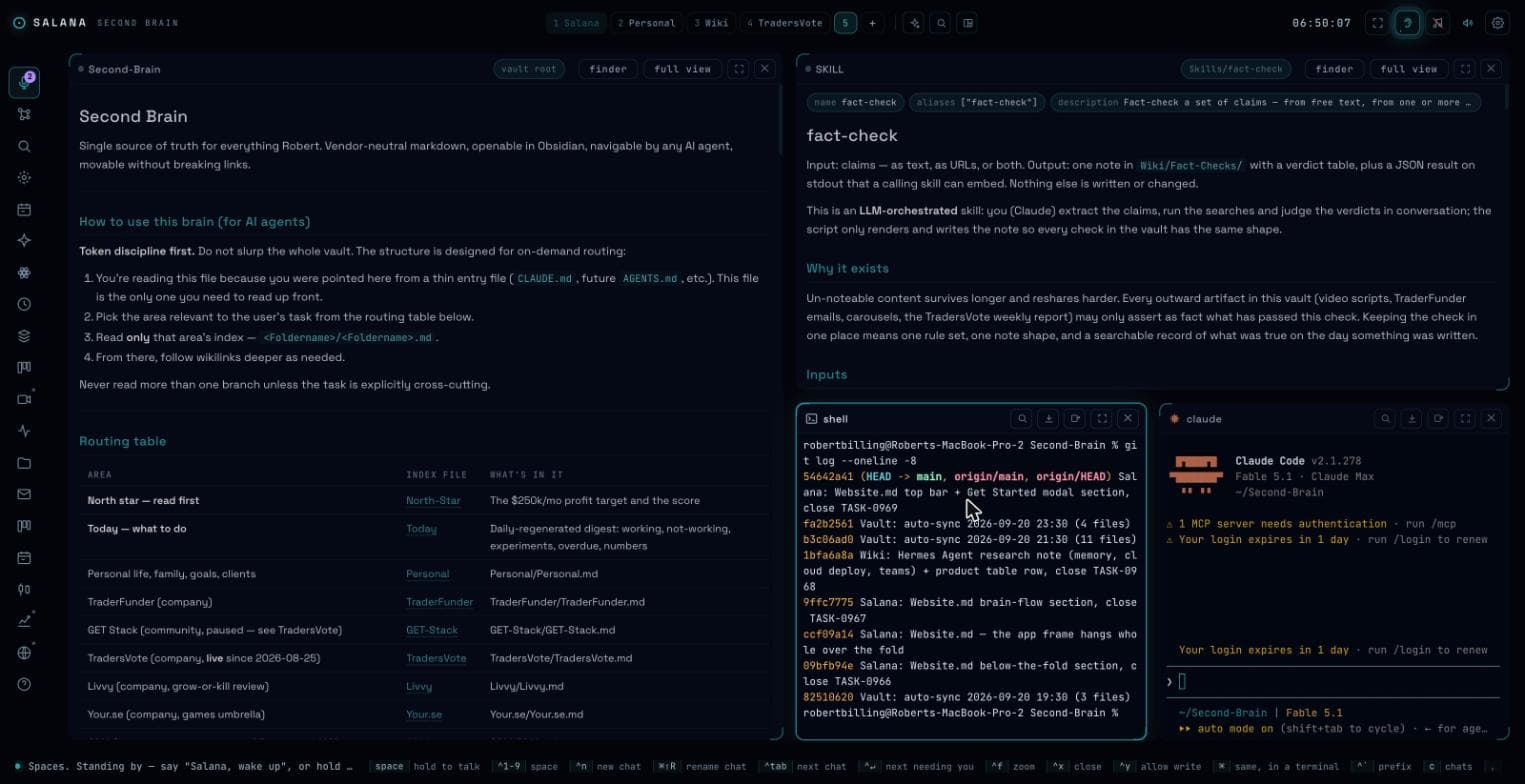
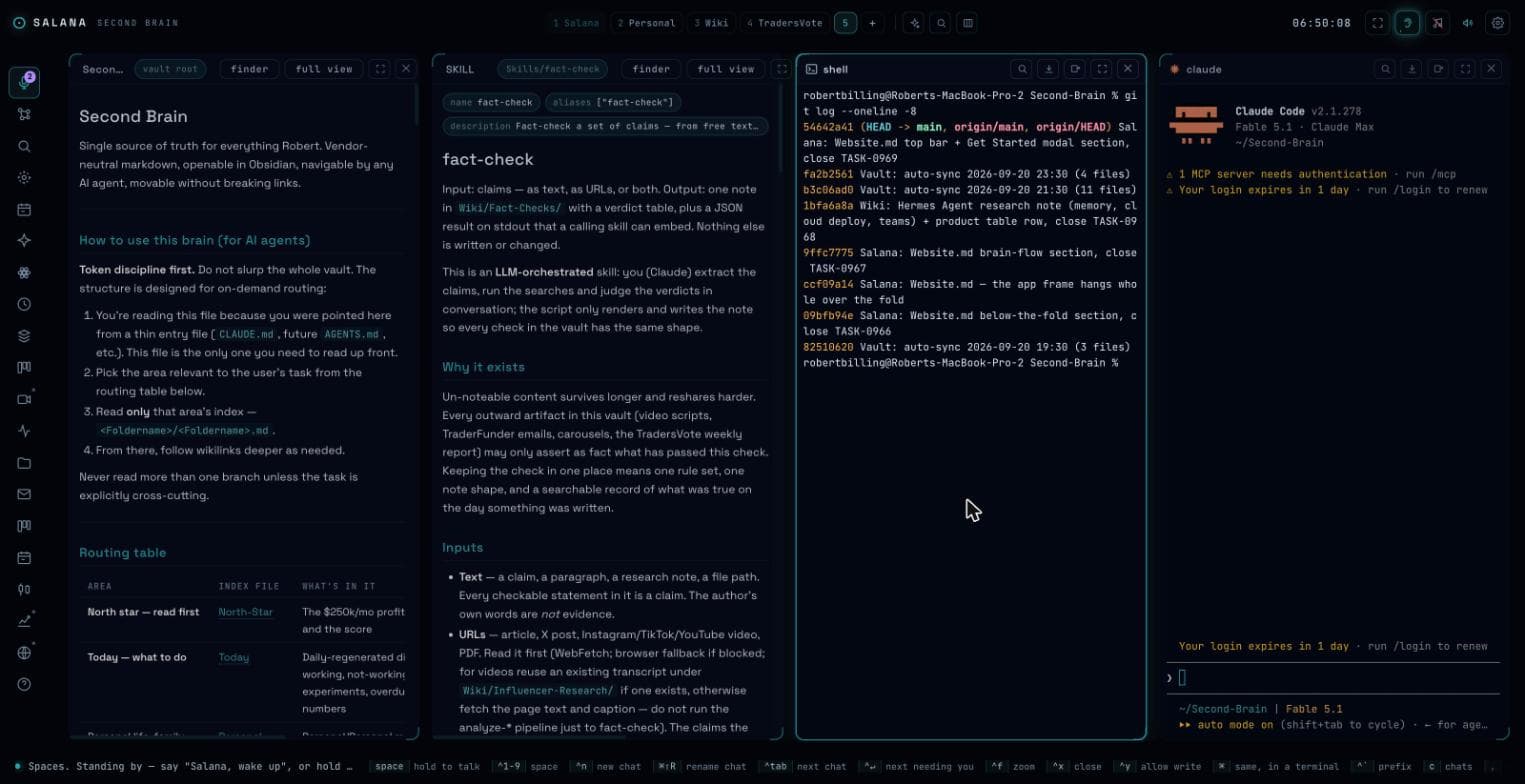
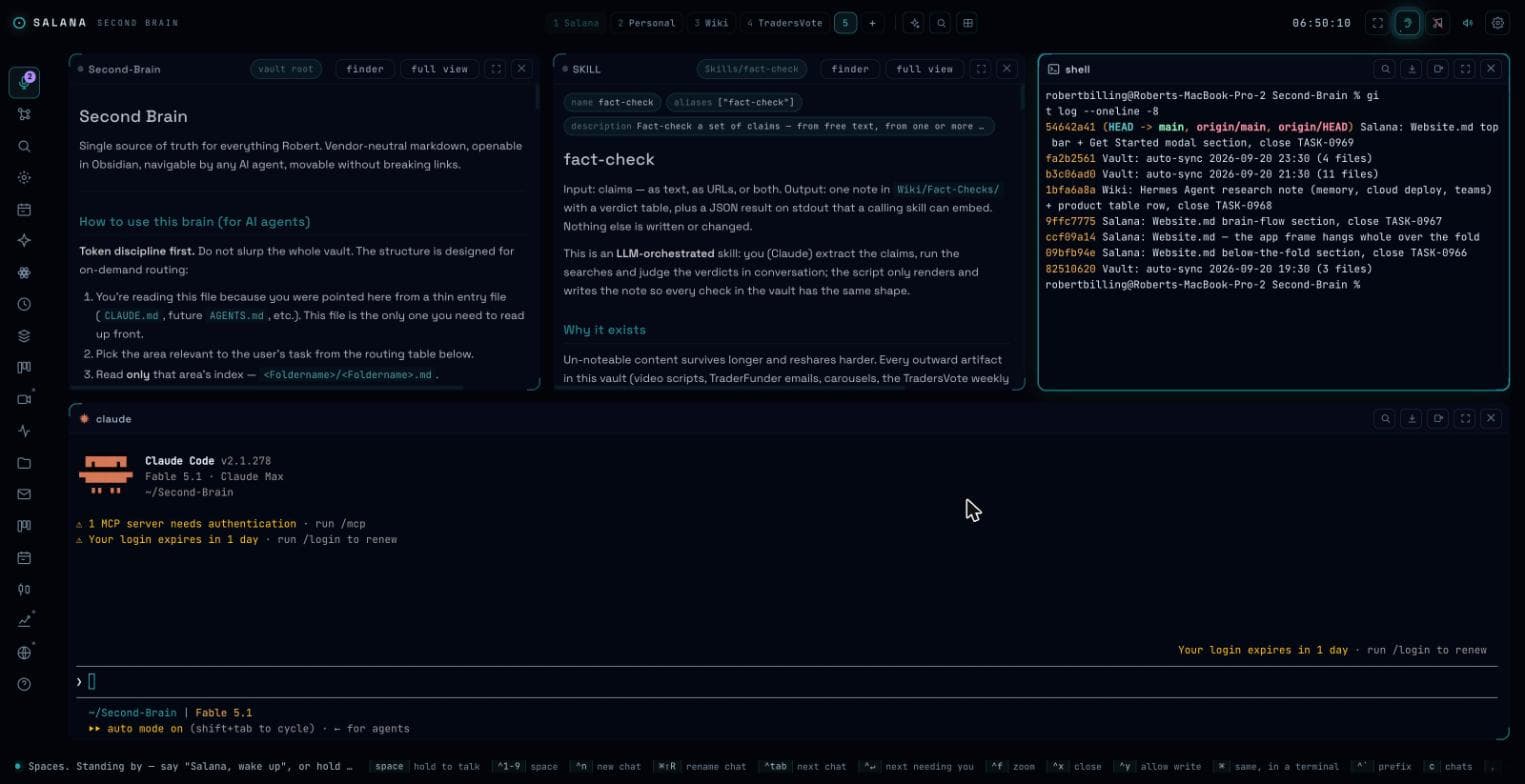
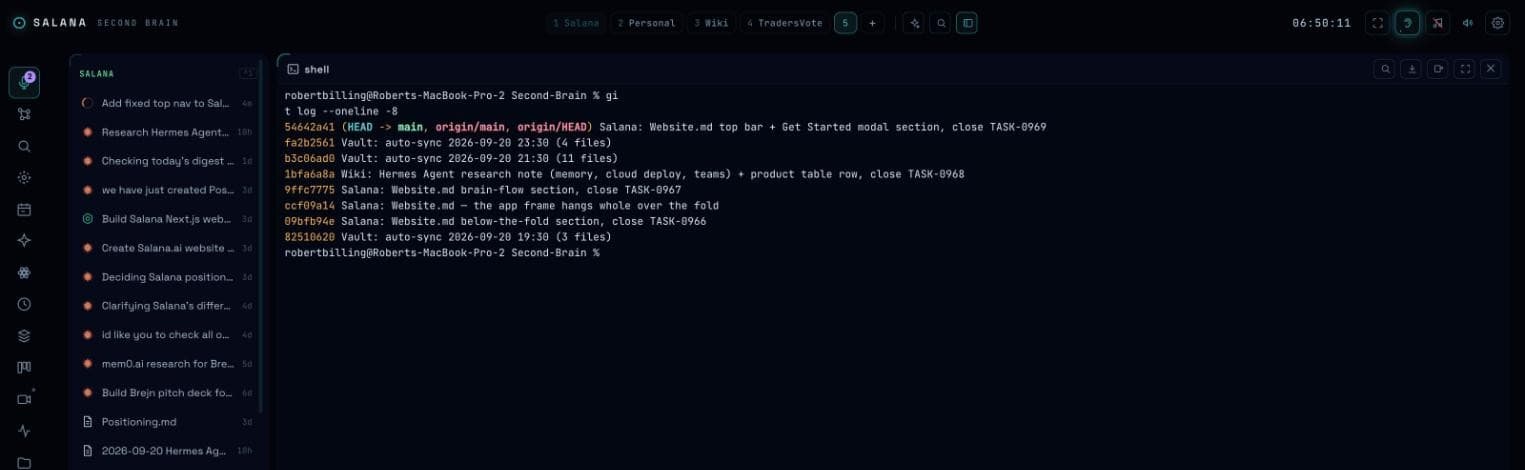
Dwindle: each new tile splits the last one, in a spiral. Two notes, a shell and Claude Code in one space.
Start a chat in Claude. When you want another model on it, switch model and Codex continues the same chat with the full history; nothing is pasted, nothing is re-explained. Switch back the same way. The chat, and the card it opened, stay one thing in your Salana Memory.
Or let them talk to each other. Give both a document and the debate runs in turns: one writes the next version, the other objects or accepts, until two accepts in a row. You get the final version and the whole trail of who changed what, and why.
computeDiscount() into lib/pricing.ts, updated the three call sites. 14 tests pass. Card TASK-0412 opened.A chat names itself once, after its first turn, from what you asked. It is filed under one of your memory's own areas (a company, a project, Personal), and a space named after that area collects it, wherever it was opened. Add a folder to the memory and you have a new category.
A name you type or a tile you drag is yours: the organiser steps around both, for good. Ten, twenty, thirty sessions sorted without you touching them.
Every chat is a file in your Salana Memory. Search all of them by what was said. Reopen one from last month and continue. Move a chat to another model with a click. Close a tile by mistake and reopen it with a key. Nothing lives only in a vendor's history.
Hold space to talk, or say the wake word. The app listens with ElevenLabs Scribe, primed with the names in your memory, and answers in the voice you pick. This is Lily, one of the voices, reading a morning line.
“Good morning. Your Salana Memory is up to date. The overnight automations ran clean, the morning briefing is on the bridge, and two drafts are waiting for your review. What do we start with?”
Ctrl+1 to 9 switch, Ctrl+Shift+1 to 9 move a chat, Ctrl+Shift+N opens a new one.
Ctrl+Tab walks the chats, Ctrl+F zooms one, Ctrl+X closes, Ctrl+Shift+Z brings it back.
Any chat can be taken over in a real terminal with Ctrl+Shift+T, and left again.
Open a note beside the chat that is editing it. Click a link in the note and the file opens as another tile.
Your files, every model, yours forever.